
From 3D Design
to G-Code
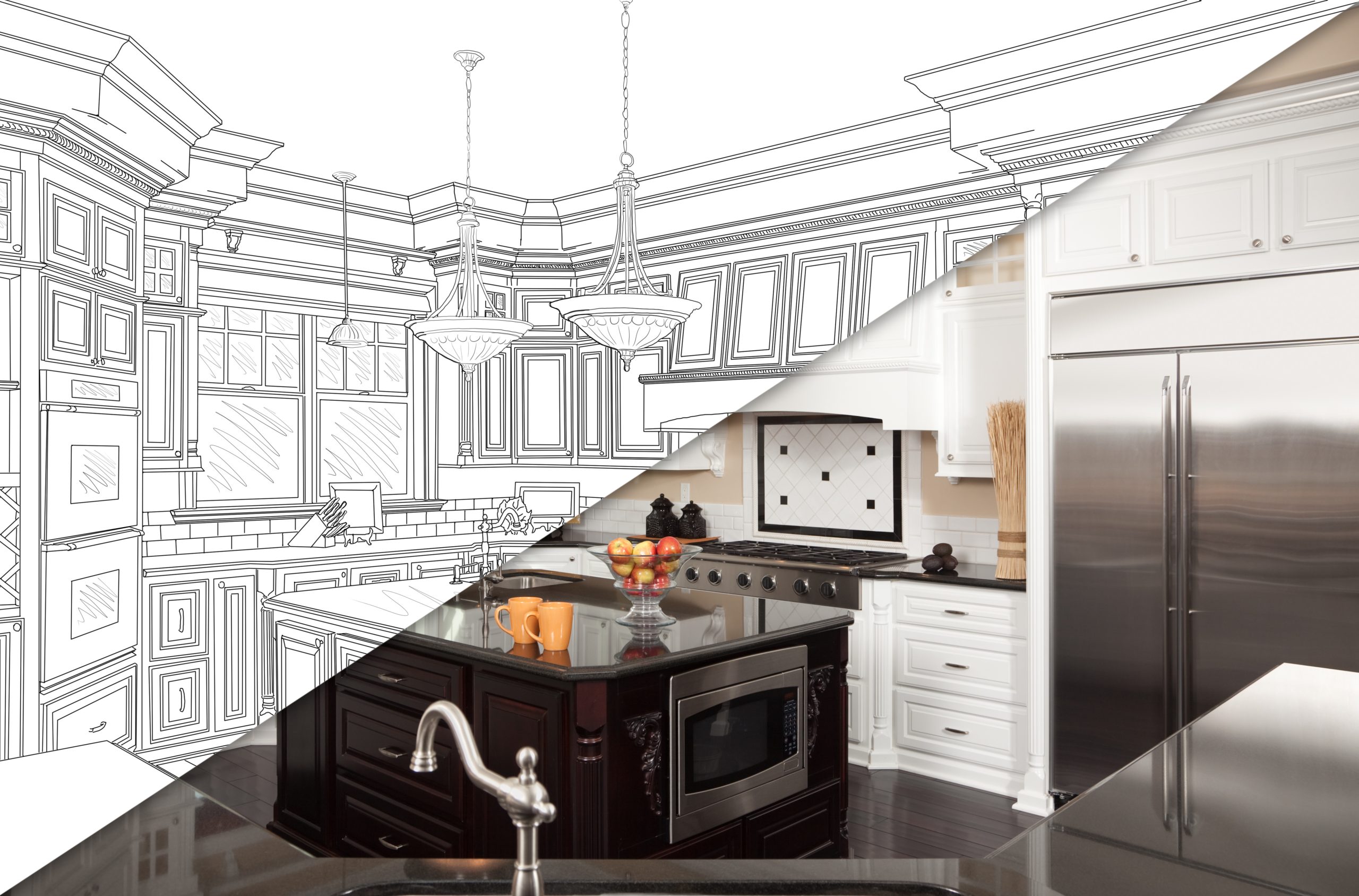
Closing the Gap Between Design and Production
For today’s custom cabinet shop, great design is only half the job.
You can create a stunning 3D kitchen, perfectly visualize every cabinet, and impress your customer with a realistic presentation. But eventually, that design has to leave the screen and become something real—cut parts, drilled panels, assembled cabinets, and a finished project.
That’s where the gap between design and production can become a problem.
The Design-to-Production Gap
Traditionally, moving from a finished design to CNC production can involve multiple steps, software programs, file conversions, manual calculations, programming, and opportunities for mistakes.
A designer creates the project.
Someone else interprets the design.
A CNC programmer creates the machining instructions.
The operator sets up the machine.
And production begins.
Every handoff creates another opportunity for information to get lost, dimensions to be entered incorrectly, or valuable time to be wasted.
What if the design could simply become the production plan?
Modern CNC software is changing the way custom cabinet shops approach production.
Instead of treating design and manufacturing as two separate processes, an integrated workflow connects them.
Start with the 3D design. Define the cabinets, materials, hardware, construction methods, and machining requirements. Then let the software translate that information into the data your CNC needs.
The result?
Less manual programming. Less duplication. Fewer opportunities for errors. More time spent producing.
From 3D Model to G-Code
G-Code is what ultimately tells a CNC machine what to do—where to move, what to cut, where to drill, and how to perform each operation.
But creating that machine code shouldn’t require starting from scratch after the design is finished.
With the right CNC workflow, the information already contained in the design can be used to generate the machining instructions needed for production.
That means the digital cabinet you designed isn’t just a picture.
It’s the beginning of the manufacturing process.
Your Design Should Do More Than Look Good
A beautiful 3D rendering can win the customer.
But production-ready information is what gets the job done.
The real power of an integrated design-to-CNC workflow is that the same project can serve multiple purposes:
Design the project in 3D.
Visualize exactly what the finished space will look like.
Specify construction details and hardware.
Generate production information.
Create CNC machine code.
Move the project toward final production.
Instead of recreating information at every stage, you can keep the project moving forward digitally.
Less Programming. More Producing.
For custom cabinet shops, time is money.
Every hour spent manually programming parts is an hour that isn’t being spent producing cabinets. Every correction caused by an input error can mean wasted material, machine time, and labor.
Automation doesn’t replace craftsmanship.
It gives craftsmen better tools.
By connecting design and CNC production, shops can spend less time translating designs into machine instructions and more time building what they designed.
The Future of Custom Cabinet Manufacturing
Custom doesn’t have to mean complicated.
Today’s cabinetmakers have access to technology that can make highly customized projects more repeatable, accurate, and efficient.
The goal isn’t simply to create a faster way to operate a CNC.
It’s to create a better digital workflow from idea to finished product.
And that’s where the gap between design and production starts to disappear.
Hard work beats talent
when talent doesn't work hard.
— Tim Tebow —