
CNC Woodworking Software
What Is CNC Woodworking Software?
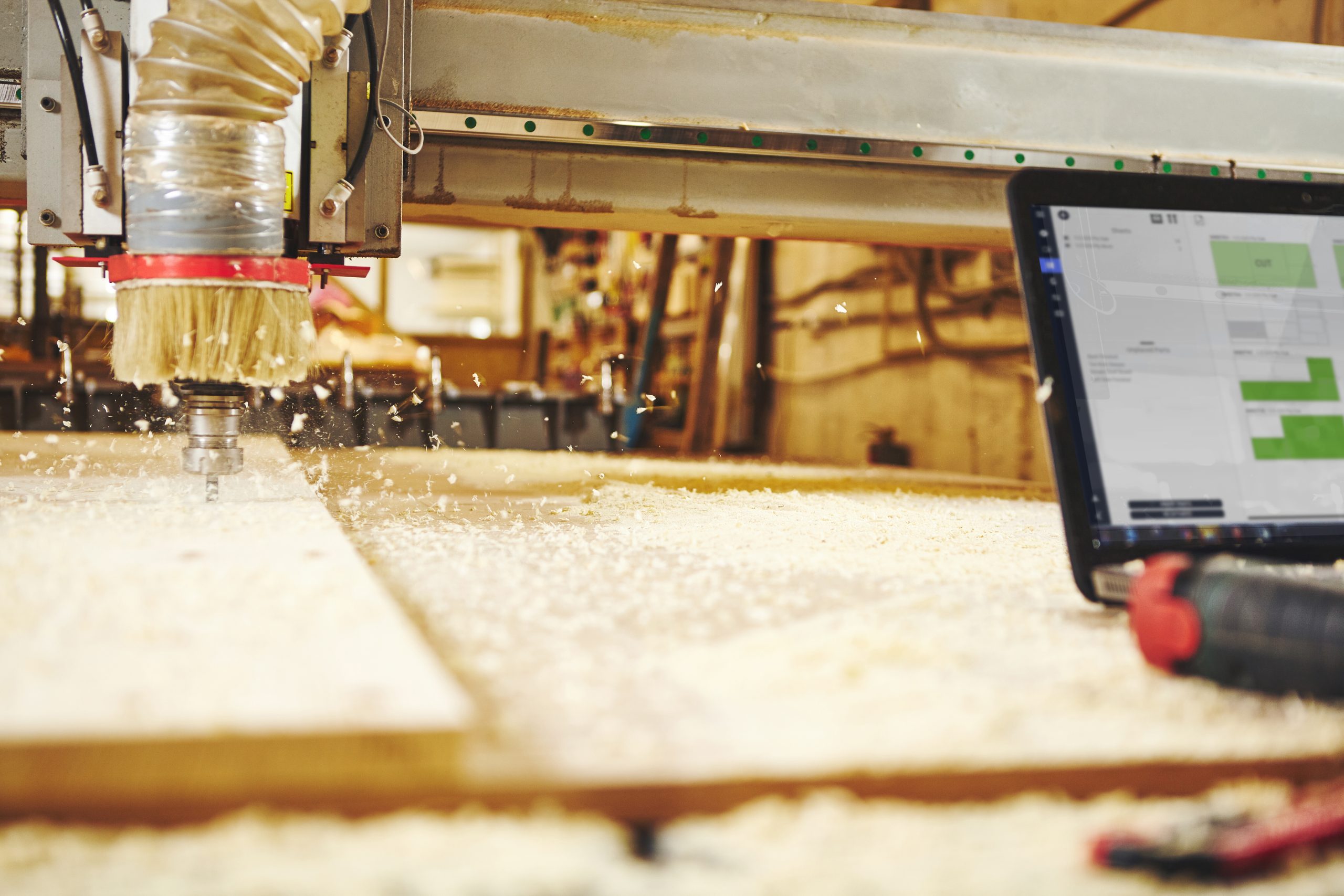
CNC woodworking software is the digital engine behind modern woodworking automation. Whether you’re building custom cabinets, carving decorative signs, or producing furniture at scale, CNC software helps transform ideas into precise machine-cut reality.
As CNC routers become more common in workshops of every size, understanding how CNC woodworking software works is essential for hobbyists, makers, and professional woodworkers alike.
Understanding CNC
CNC stands for Computer Numerical Control. In woodworking, CNC software tells a machine exactly how to cut, carve, drill, and shape wood materials using digital instructions.
Instead of manually operating tools, woodworkers create a design on a computer, and the CNC machine follows the software-generated commands automatically.
CNC woodworking software typically includes three major components:
1. CAD Software (Computer-Aided Design)
CAD software is where projects are designed. Users create:
- Furniture plans
- Cabinet layouts
- Decorative carvings
- Sign designs
- Joinery components
- 3D models
2. CAM Software (Computer-Aided Manufacturing)
CAM software converts designs into machine instructions called G-code.
The software determines:
- Toolpaths
- Feed rates
- Cutting depth
- Spindle speed
- Bit selection
- Pocketing operations
This is the stage where digital designs become machine-ready.
3. Machine Control Software
Control software sends the G-code directly to the CNC machine and controls movement during cutting operations.
Popular control platforms include:
- Mach4
- LinuxCNC
- Candle
- Universal Gcode Sender (UGS)
How CNC Woodworking Software Works
The CNC workflow usually follows these steps:
Step 1: Create the Design
The user designs the project using CAD software.
Step 2: Generate Toolpaths
CAM software analyzes the design and creates cutting instructions.
Step 3: Export G-Code
The software exports the project into machine-readable G-code.
Step 4: Run the CNC Machine
The control software sends commands to the CNC router to cut the material.
This process allows for incredible precision and repeatability.
Benefits of CNC Woodworking Software
Precision and Accuracy
CNC software allows machines to produce highly accurate cuts repeatedly.
Faster Production
Automation dramatically reduces production time compared to manual woodworking.
Complex Designs
Intricate carvings, curved furniture parts, and detailed engravings become much easier to create.
Reduced Waste
Optimized toolpaths help minimize material waste and improve efficiency.
Scalability
Professional woodworking businesses can standardize and repeat projects consistently.
Modern CNC software continues evolving with features like:
- AI-assisted toolpath optimization
- Cloud collaboration
- Real-time simulation
- Automation integration
- Easier beginner workflows
Final Thoughts
CNC woodworking software is revolutionizing the woodworking industry by combining creativity, automation, and precision. Whether you’re a hobbyist making personalized signs or a professional cabinet maker managing production workflows, the right software can dramatically improve your efficiency and capabilities.
Understanding how CNC software works is the first step toward unlocking the full potential of modern woodworking technology.
One machine can do the work of fifty ordinary men. No machine can do the work of one extraordinary man.
— Elbert Hubbard —